Types of Computer Memory
Published: 20 Jun 2025
Memory is not just about remembering files it’s about how your computer thinks! The types of computer memory, from RAM to ROM, work behind the scenes to keep everything running fast and efficiently. If you want to learn about computers, there are many topics you can explore on EC Science.
What Is Computer Memory?
Computer memory is a place inside your computer where data and information are stored temporarily or permanently. It helps your computer run programs and remember things.
5 Types of Computer Memory
A computer uses different types of memory to work well. Each type has a special job to help the computer run fast and save data safely. The main types of computer memory are included:
- Primary Storage
- External Storage
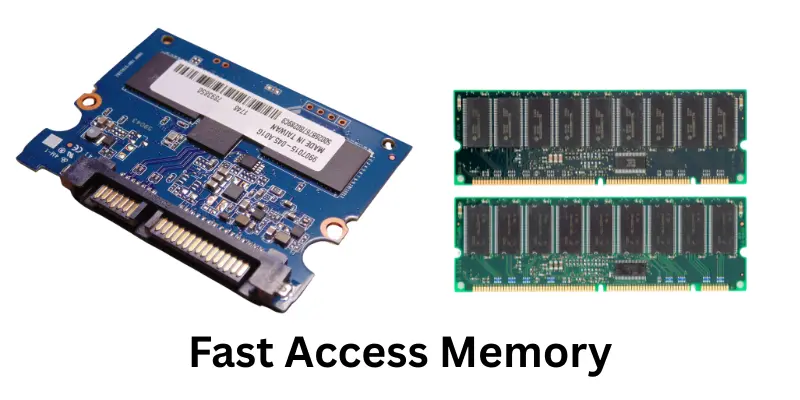
- Fast Access Memory
- Logical Memory
- Flash Memory
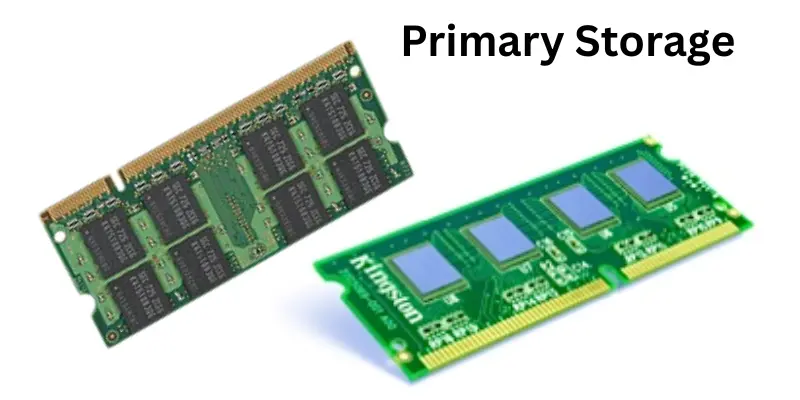
1. Primary Storage?
Primary Memory is a types of computer memory. It holds the data and programs that the computer is using right now. This memory works very fast and helps the computer do its tasks quickly. But when the power goes off, all the data in this memory is lost. Here are 2 types of primary memory that include:
- RAM
- ROM
2. External Storage?
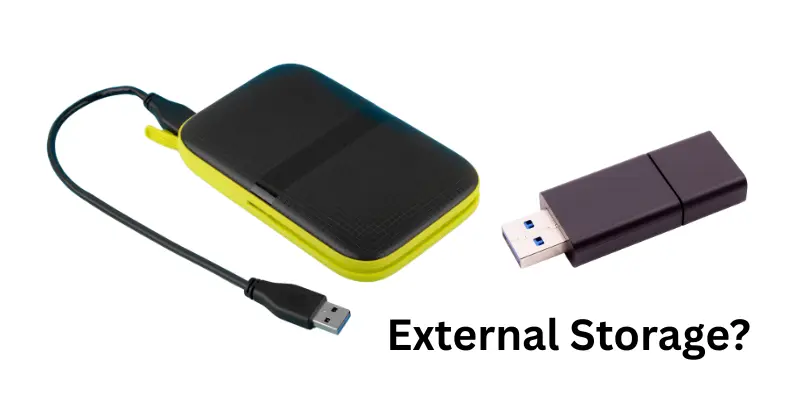
External storage is a types of computer memory. A computer that saves data for a long time is called Secondary memory. Even if you turn off the computer, the data stays safe. It stores your pictures, music, games, videos, and school work. This memory is not as fast as main memory, but it can hold much more data. Here are 4 types of external storage that include:
- Hard Disk Drive (HDD)
- Solid State Drive (SSD)
- Optical Discs (CD, DVD)
- Magnetic Tape
3. Cache memory
Cache memory is a types of computer memory. It helps the computer work quickly by storing data that is used again and again. This way, the computer does not need to search for the same data every time. It saves time and makes the computer faster. Here are 3 types of Cache Memory that include:
- L1 Cache
- L2 Cache
- L3 Cache
4. Logical Memory?
Virtual memory is a types of computer memory that helps the computer when its main memory (RAM) is full. It uses the hard drive part as extra memory. This way, the computer can save work without slowing down or stopping. Here are 2 types of logical memory that include:
- Page File (Paging)
- Swap Space (Swapping)
5. Flash Memory
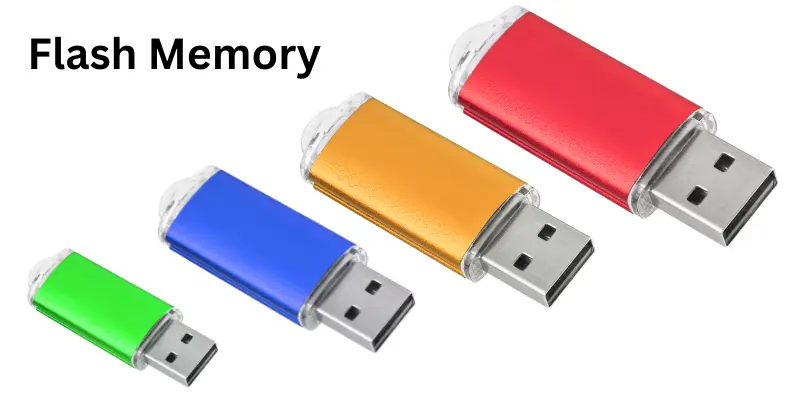
Flash memory is a types of computer memory that stores data even when the power is shut down. It is small, fast, and easy to carry. People use flash memory in many devices like USB drives, phones, and cameras. Here are 2 types of flash memory that include:
- NAND
- NOR
- SLC (Single-Level Cell)
- MLC (Multi-Level Cell)
- TLC (Triple-Level Cell)
- QLC (Quad-Level Cell)
Advantages and Disadvantages of Types of Computer Memory
Computer memory helps the system work fast and store data safely. But every types of computer memory has its own benefits and issues too.
| Advantages of Computer Memory |
|---|
|
| Disadvantages of Computer Memory |
|---|
|
Conclusion
Computer memory is what helps a computer think, remember, and work fast. Every type of memory has a special job, like RAM for speed, ROM for starting the computer, and flash memory for saving things. All these memory types work together to make the computer smart and useful.
FAQs about Types of Computer Memory
Computer memory is an important part of how a computer works. These FAQs will help you understand how different types of computer memory are used and how they help the computer.
RAM helps the computer run programs quickly and do many tasks at the same time.
ROM stores the startup instructions. It helps the computer turn on and start properly.
Flash memory is used in USBs, phones, and memory cards to store data like photos and videos.
You can check the memory by going to the computer settings or system information.
Cache memory stores data that the computer uses again and again, making it faster.
No, virtual memory is not real. It uses part of the hard drive to help when RAM is full.
Because RAM is temporary memory. It only keeps data while the computer is on.
ROM is used in computers, mobile phones, and washing machines to store basic programs.
Secondary memory stores files, pictures, games, and videos for a long time.
No, ROM data cannot be changed easily. It is mostly fixed by the maker.