Types of Monitors – Complete Guide for Beginner
Published: 22 Jan 2026
There are many types of monitors used with computers today. Each monitor type shows images, text, and videos in a different way. Some monitors focus on clear colors, while some focus on speed or size. Knowing the types of monitors helps users choose the right screen for work, study, or entertainment.
Types of Monitors
There are different types of monitors. Each monitor employs a distinct method to display images on the screen. Some monitor types focus on size, while some focus on picture quality or power saving. Explain the different types of monitors and their characteristics.
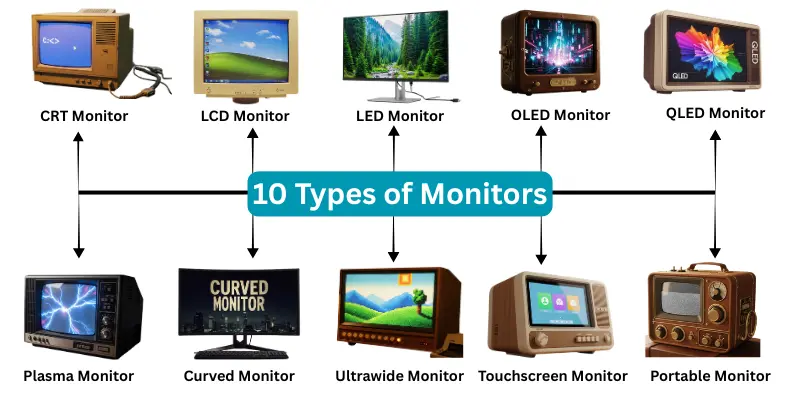
Here are 10 types of monitors included
- CRT Monitor
- LCD Monitor
- LED Monitor
- OLED Monitor
- QLED Monitor
- Plasma Monitor
- Curved Monitor
- Ultrawide Monitor
- Touchscreen Monitor
- Portable Monitor
1. CRT Monitor
A CRT monitor is one of the oldest computer monitor types. It uses a large tube to display images. This monitor type appeared in early computers and offices.
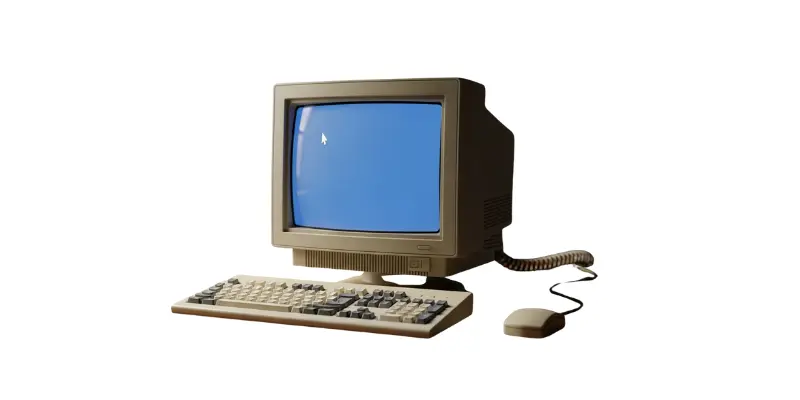
Characteristics of CRT Monitor
- It is heavy and bulky.
- It uses more electricity.
- Screen size stays large.
- Image quality appears low.
- Space requirement stays high.
2. LCD Monitor
An LCD monitor uses liquid crystal technology to show images. This monitor type replaced CRT monitors due to its thin design. LCD monitors appear in homes, schools, and offices.
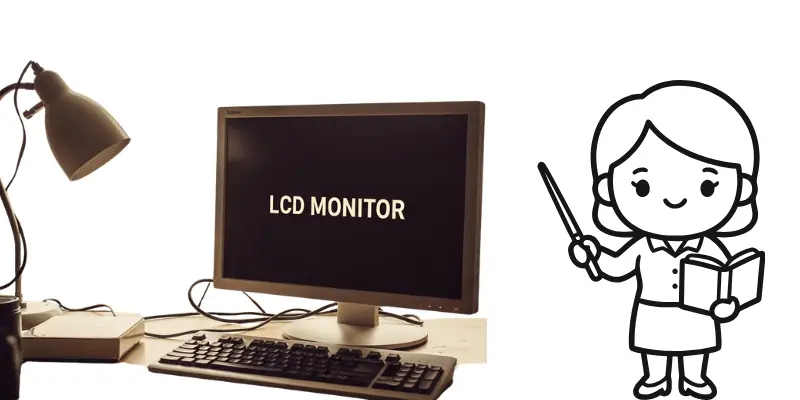
Characteristics of LCD Monitor
- It is thin and lightweight.
- It uses less power.
- Screen clarity stays better.
- Desk space requirement stays low.
- Eye comfort improves.
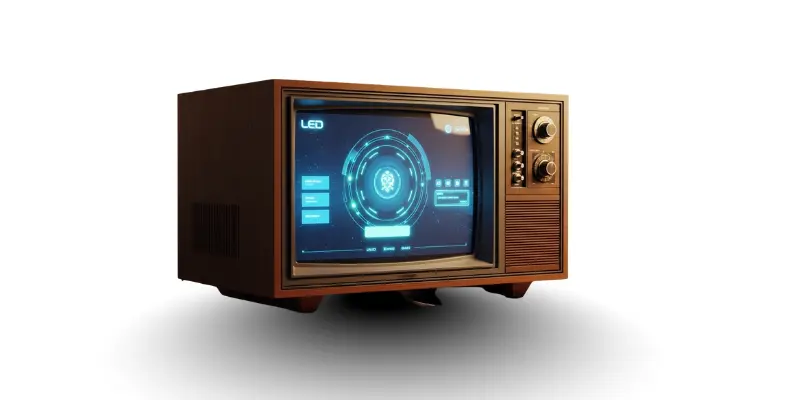
3. LED Monitor
An LED monitor works like an LCD monitor but uses LED lights for brightness. This monitor type shows better colours and sharper images. Many modern computers use LED monitors.
Characteristics of LED Monitor
- It consumes less electricity.
- It shows bright colours.
- Screen thickness stays slim.
- Heat production remains low.
- Picture quality improves.
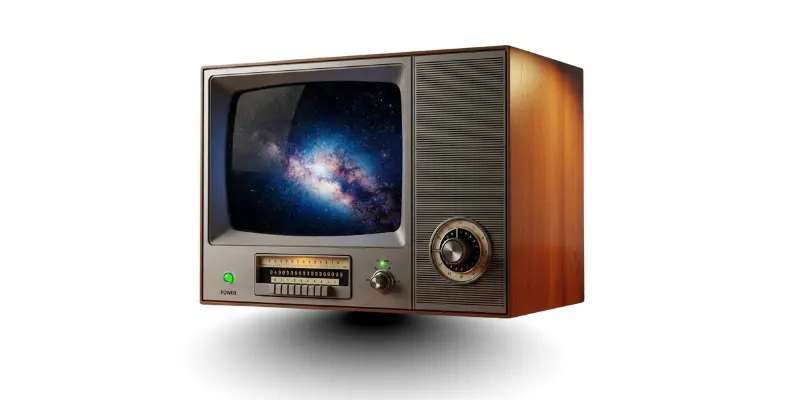
4. OLED Monitor
An OLED monitor uses organic light pixels. Each pixel lights up on its own. This monitor technology produces deep colours and strong contrast.
Characteristics of OLED Monitor
- It shows very clear images.
- Black colour looks deep.
- Screen response stays fast.
- Power usage stays balanced.
- Design appears modern.
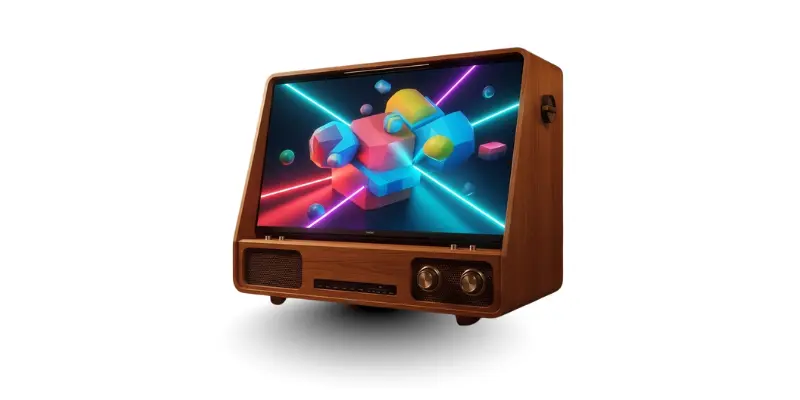
5. QLED Monitor
A QLED monitor uses quantum dot technology. This monitor type improves brightness and colour accuracy. Many high-end displays use this technology.
Characteristics of QLED Monitor
- It produces bright images.
- Colour accuracy stays strong.
- Screen lifespan remains long.
- Suitable for bright rooms.
- Display remains sharp.
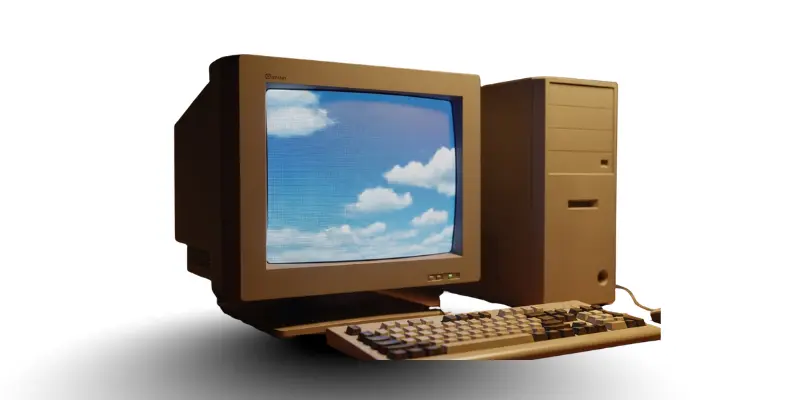
6. Plasma Monitor
A Plasma monitor uses gas-filled cells to create images. This monitor type appeared mostly in large screens. Plasma monitors are now less common.
Characteristics of Plasma Monitor
- It supports large screen sizes.
- Colour display stays rich.
- Power use remains high.
- Screen weight stays heavy.
- Heat generation increases.
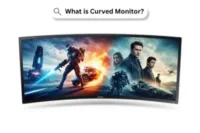
7. Curved Monitor
Curved monitors have a screen that bends slightly around the viewer. They provide a more immersive experience for gaming, movies, or work.
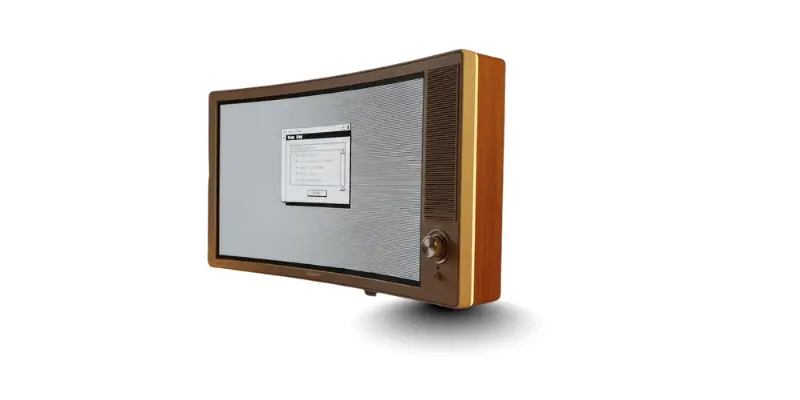
Characteristics of Curved Monitors
- Immersive viewing experience.
- Reduces eye strain.
- Better for wide screens.
- Improves depth perception.
- Suitable for gaming and media.
8. Ultrawide Monitor
Ultrawide monitors have a wider aspect ratio than standard monitors. They are useful for multitasking, editing videos, and working with large spreadsheets.
Characteristics of Ultrawide Monitor
- Extra-wide screen for multitasking.
- Shows multiple windows side by side.
- Good for video and photo editing.
- Immersive for games and movies.
- Reduces the need for multiple monitors.
9. Touchscreen Monitor
Touchscreen monitors allow users to interact directly with the screen using fingers or a stylus. They are common in kiosks, design work, and tablets.
Characteristics of Touchscreen Monitor
- Direct screen interaction.
- Supports finger or stylus input.
- Useful for drawing and design.
- Can replace the mouse for some tasks.
- Easy and intuitive for beginners.
10. Portable Monitor
Portable monitors are lightweight and easy to carry. They are perfect for travelers, students, or professionals who need a second screen on the go.
Characteristics of Portable Monitor
- Lightweight and easy to carry.
- Connects via USB-C or HDMI.
- Useful for laptops and mobile devices.
- Good for presentations and work on the move.
- Compact size for travel.
Conclusion
There are many types of monitors, and each one has its own use. Some are best for gaming, some for work, and some for traveling. Choosing the right monitor makes your work easier and your viewing experience better. Knowing monitor features helps users pick the screen that suits them best.
FAQs About Types of Monitors
There are many types of monitors, like CRT, LCD, LED, OLED, IPS, TN, VA, Curved, Ultrawide, Touchscreen, and Portable monitors. Each type has a different use.
IPS stands for In-Plane Switching. It shows accurate colors and wide viewing angles. It is best for design and photo editing.
VA (Vertical Alignment) monitors give deep blacks and high contrast. They are good for movies and home use.
A Curved monitor bends slightly around the viewer. It gives an immersive experience for gaming and watching movies.
Ultrawide monitors are very wide screens. They are good for multitasking, video editing, and watching movies.
Touchscreen monitors allow users to touch the screen to control the computer. They are useful for drawing and easy interaction.
Portable monitors are light and easy to carry. They connect to laptops or phones and are perfect for travel or work on the go.