Examples of Application Software and Their Uses
Published: 13 Nov 2025
Every day, people use software to get things done on computers and mobile devices. Examples of application software include tools for creating documents, sending emails, browsing the internet, and even listening to music. It is amazing how these programs help in so many areas of life. Whether at home, school, or office, this software makes tasks simpler and more organized.
If you want to learn more about software in detail, EC Science is the best place where everything is explained clearly. It covers the types of software, history of computers, and computer parts and types in an easy way. This information is useful for your knowledge and study, and it will help you understand how each part works. There, you will also find details about monitors, keyboards, and other computer devices, which will improve your learning and skills.
20 Examples of Application Software
Here are 20 examples of application software that help people perform tasks on computers and mobile devices. It is amazing how this software shows where, how, and when tasks can be done easily, and below, you will find details about each of them.
- Microsoft Word
- Microsoft Excel
- Microsoft PowerPoint
- Google Docs
- Microsoft Outlook
- Google Chrome
- Mozilla Firefox
- Skype
- Zoom
- Slack
- VLC Media Player
- Spotify
- Pandora
- Amazon
- Adobe Photoshop
- AutoCAD
- photo Editor
- MySQL
- Microsoft Access
- WinRAR
Microsoft Word
Microsoft Word is a word processing software used to write documents, letters, and reports. It is easy to use and there are many formatting tools available. This software is helpful when creating professional documents. People can add images, tables, and charts in them. It is commonly used in schools, offices, and homes.
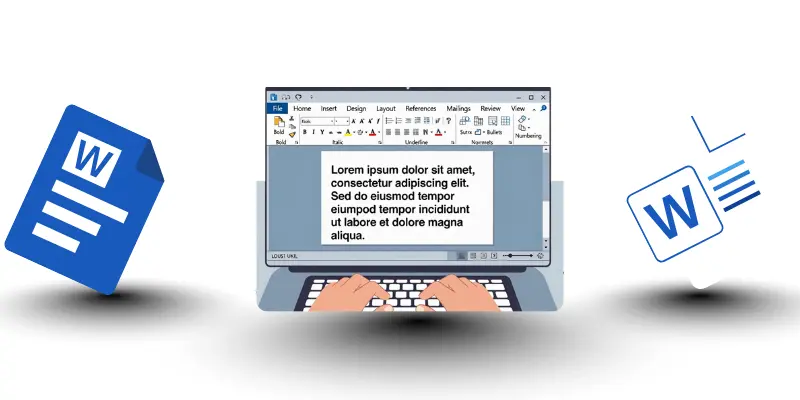
Characteristics of Microsoft Word
- It is used to write and edit documents.
- There are many formatting tools available.
- This software supports images, tables, and charts.
- People can save and share documents easily.
- It works offline and online with cloud support.
- It is helpful in schools, offices, and homes.
Microsoft Excel
Microsoft Excel is a spreadsheet software where users can organize numbers and data. It helps perform calculations and create charts. There are tools to analyze information and find patterns in them. This software is useful in offices, schools, and businesses. People can see results quickly and make decisions based on them.
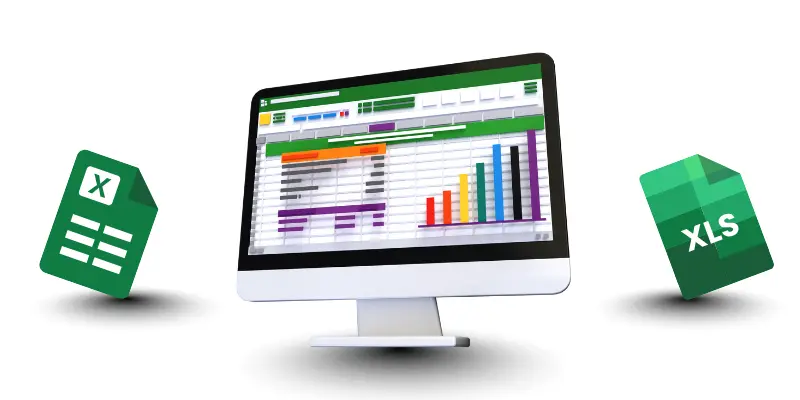
Characteristics of Microsoft Excel
- It organizes data in rows and columns.
- There are formulas to calculate numbers automatically.
- This software can create charts and graphs.
- People can sort and filter data in them.
- It is helpful for tracking and analyzing information.
- It works in offices, schools, and businesses.
Microsoft PowerPoint
Microsoft PowerPoint is used to create presentations with slides, images, and animations. It helps explain information clearly to an audience. This software is helpful in meetings, classrooms, and projects. People can add charts, videos, and designs to them. It makes presentations engaging and easy to understand.
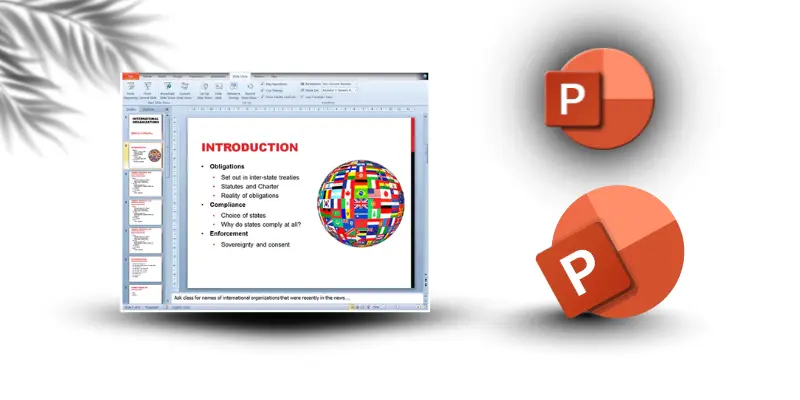
Characteristics of Microsoft PowerPoint
- It creates presentations with slides and animations.
- There are templates and designs available in it.
- People can add images, charts, and videos.
- It helps explain ideas clearly to an audience.
- This software is used in schools and offices.
- It makes presentations interactive and engaging.
Google Docs
Google Docs is an online word processor where people can write and edit documents. It allows multiple users to work together on them at the same time. This software is helpful in schools, offices, and group projects. People can see changes instantly and save their work online. It makes collaboration simple and fast.
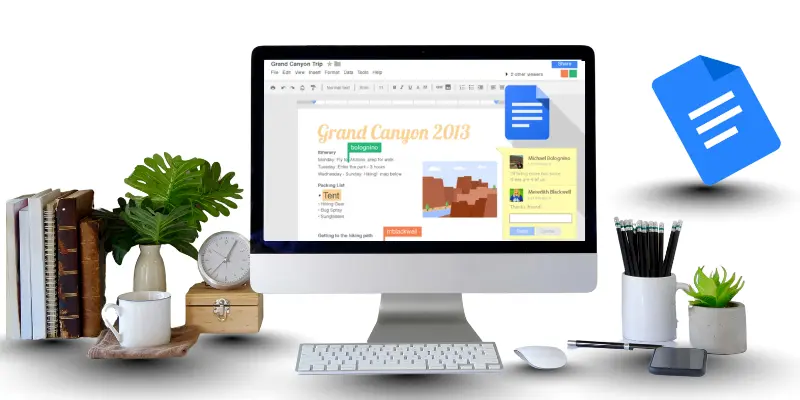
Characteristics of Google Docs
- It is an online document editor.
- Multiple users can work on them at the same time.
- This software saves work automatically in the cloud.
- People can comment and suggest changes in them.
- It works on computers, tablets, and phones.
- It is helpful for teamwork and collaboration.
Microsoft Outlook
Microsoft Outlook is an email and calendar software where users can manage tasks and meetings. It helps send messages and organize schedules. This software is useful in workplaces and schools. People can set reminders and share tasks with others. It makes communication and planning much easier.
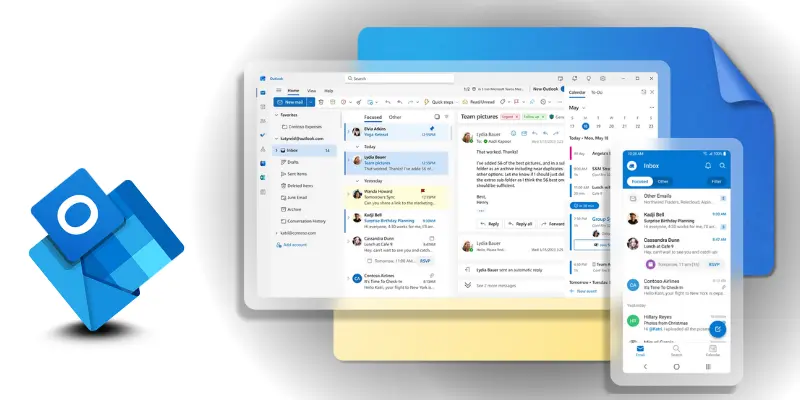
Characteristics Microsoft Outlook
- It sends and receives emails easily.
- There is a calendar to schedule meetings.
- This software manages contacts and tasks.
- People can organize emails into folders.
- It works offline and online.
- It is useful for workplaces and schools.
Google Chrome
Google Chrome is a web browser where people can access websites and information. It is fast, simple, and easy to use. There are many tools and extensions available in it. This software is useful for searching and learning online. People can browse safely and find what they need quickly.
Characteristics of Google Chrome
- It is a fast and simple browser.
- There are extensions to enhance it.
- This software can save bookmarks and passwords.
- People can browse multiple websites using tabs.
- It works on computers and mobile devices.
- It is helpful where internet browsing is needed.
Mozilla Firefox
Mozilla Firefox is a browser where privacy and security are important. It helps users browse the internet safely. There are options to customize themes and tools in it. This software is useful when searching online without risks. People can explore websites and protect their information at the same time.

Characteristics of Mozilla FireFox
- It is a secure and private browser.
- There are add-ons and themes available in it.
- This software protects user data online.
- People can bookmark and save websites easily.
- It works on many devices and operating systems.
- It is helpful when safe browsing is important.
Skype
Skype is a communication software where people can make video calls and chat. It is helpful for talking to family, friends, or colleagues. This software allows group calls and screen sharing. People can connect with them anywhere in the world. It makes online communication simple and effective.

Characteristics of Skype
- It allows video calls and voice calls.
- People can chat and send files in it.
- This software supports group calls.
- It works on computers, phones, and tablets.
- There is screen sharing for presentations.
- It is helpful for personal and business communication.
Zoom
Zoom is a meeting software used for video conferences and webinars. It helps people communicate even if they are far away. This software allows screen sharing and recording meetings. People can connect with them anytime they need. It is useful for work, school, and online events.

Characteristics of Zoom
- It is used for online meetings and webinars.
- People can join calls from anywhere using it.
- This software supports screen sharing and recording.
- It works on computers, tablets, and phones.
- There are tools for chat and polls in it.
- It is helpful for classrooms, offices, and events.
Slack
Slack is a team collaboration tool where people can chat and share files. It helps organize tasks and projects efficiently. This software allows groups to communicate in one place. People can send messages, updates, and notifications to them. It makes teamwork faster and simpler.

Characteristics of Slack
- It allows team messaging and file sharing.
- People can organize conversations into channels.
- This software integrates with other apps.
- It works on desktop and mobile devices.
- There are notifications for tasks and updates.
- It is helpful for teamwork and project management.
VLC Media Player
VLC Media Player is multimedia software that plays videos and audio files. It supports almost all types of media formats. This software is simple to use and free for everyone. People can enjoy movies, music, and videos using it. It is helpful when entertainment is needed.

Characteristics of VLC Media Player
- It plays videos and audio files in many formats.
- This software is free and easy to use.
- People can adjust volume, speed, and subtitles.
- It works offline on computers and phones.
- There are tools to convert files in it.
- It is helpful for entertainment anytime.
Spotify
Spotify is a music streaming app where people can listen to songs online. It allows creating playlists and following favorite artists. This software gives personalized song suggestions to them. People can discover new music easily. It is helpful when someone wants entertainment anytime.

Characteristics of Spotify
- It streams music online in playlists.
- People can follow favorite artists and albums.
- This software suggests songs based on taste.
- It works on computers, tablets, and phones.
- There are free and premium versions in it.
- It is helpful for entertainment and discovering music.
Pandora
Pandora is a music and radio streaming application. It provides playlists based on user preferences. This software helps people discover new songs and enjoy favorites. People can listen to them anywhere and anytime. It is useful for music lovers and entertainment.
Characteristics of Pandora
- It streams music and personalized radio stations.
- People can create playlists using it.
- This software recommends songs they may like.
- It works on computers, tablets, and mobile devices.
- There are options for free and premium usage.
- It is helpful for discovering new music easily.
Amazon
Amazon is an online shopping platform where people can buy products easily. It offers many categories for shopping. This software helps people find items and order them from home. People can track deliveries and pay safely using it. It is useful when shopping online.
Characteristics of Amazon
- It is an online shopping platform.
- People can browse and order products using it.
- This software allows tracking orders and payments.
- There are multiple categories to choose from.
- It works on computers and mobile devices.
- It is helpful for shopping from home.
Adobe Photoshop
Adobe Photoshop is graphic design software where users can edit photos and create images. It is popular with designers, photographers, and students. This software allows adding effects, text, and layers to them. People can create professional-looking pictures using it. It is useful for creative and professional work.

Characteristics of Adobe Photoshop
- It is used to edit and enhance images.
- People can add text, filters, and layers in it.
- This software supports professional design work.
- It works on computers and tablets.
- There are tools to create graphics and art.
- It is helpful for creative projects and professionals.
AutoCAD
AutoCAD is a design software where engineers and architects make technical drawings. It helps create accurate plans and 3D models. This software is used in workplaces and schools. People can visualize ideas and designs using it. It is helpful where precision is needed.

Characteristics of AutoCAD
- It is used to create technical drawings and 3D models.
- People can measure and design precisely using it.
- This software is helpful for engineers and architects.
- It works on computers and supports printing drawings.
- There are tools to edit and modify designs.
- It is used where accurate planning and design are needed.
Photo Editor
Photo Editor is software used to quickly edit and improve pictures. It allows cropping, adjusting colors, and adding effects. This software is simple and helpful for beginners. People can enhance images using it without complex tools. It is useful for casual and creative editing.
Characteristics of Photo Editor
- It allows editing and enhancing pictures easily.
- People can crop, adjust colors, and add effects in it.
- This software is simple and beginner-friendly.
- It works on computers, tablets, and phones.
- There are tools to improve photos quickly.
- It is helpful for casual or creative editing.
MySQL
MySQL is database software where people store and manage large amounts of data. It is used in websites, businesses, and applications. This software helps organize information and retrieve it easily. People can manage databases and share them securely. It is helpful where structured data is important.

Characteristics of MySQL
- It stores and manages large amounts of data.
- People can create, read, update, and delete information in it.
- This software supports websites and applications.
- It works on many operating systems.
- There are tools to organize and search databases.
- It is helpful where structured data management is needed.
Microsoft Access
Microsoft Access is a database application where small databases are created and managed. It helps keep track of information and organize records. This software is used in schools and businesses. People can search and update them quickly. It is useful for simple data management tasks.

Characteristics of Microsoft Access
- It creates and manages small databases.
- People can store and organize records in it.
- This software is helpful in schools and small businesses.
- It works on Windows computers easily.
- There are tools to create queries, forms, and reports.
- It is helpful for simple database management tasks.
WinRAR
WinRAR is a file compression software where large files are made smaller for storage. It helps people save space and share them easily. This software allows compressing and extracting files quickly. People can manage multiple files efficiently using it. It is useful when saving or sending files online.

- It compresses files to smaller sizes for storage.
- People can extract files from compressed folders in it.
- This software works on computers and supports multiple formats.
- It helps share files quickly and save space.
- There are tools to encrypt and password-protect files.
- It is helpful when managing multiple files efficiently.
Conclusion
Application software is an essential part of daily life, school, and work. It shows how tools like Microsoft Word, Excel, PowerPoint, Google Docs, Outlook, Chrome, VLC Media Player, Photoshop, MySQL, and WinRAR help people complete tasks efficiently. There are different types where each software has its own purpose, and people can choose them based on their needs. This software makes work faster, learning easier, and entertainment simple. If used correctly, it will improve productivity and save time for everyone.
Questions People Ask About Application Software
Multimedia applications like VLC Media Player, Spotify, and Pandora allow people to play videos, music, or stream content. They show how entertainment can be enjoyed anytime. This software makes it simple to access media on computers and mobile devices.
Microsoft Word is used to write documents, letters, and reports. It is helpful in schools, offices, and homes. This software allows adding images, tables, and charts in documents. It makes writing faster and more organized.
Application software is needed to perform tasks like writing documents, browsing the internet, editing images, or managing data. It helps people complete work faster and more efficiently. If there was no software, many tasks would take much more time.
Yes, students can use application software for learning, writing assignments, creating presentations, or researching online. It helps them understand concepts and complete tasks easily. This software makes study and projects simpler.
Yes, some application software works offline, like Microsoft Word, Excel, and VLC Media Player. It helps people complete tasks without internet access. This is useful when there is no connection but work still needs to be done.
Google Docs allows multiple people to work on documents at the same time. It saves work automatically in the cloud. People can comment and suggest changes to them. This software is very useful for teamwork and school projects.
Amazon is an example of online shopping software. It allows people to browse, order, and track products from home. This software is helpful where visiting physical stores is not possible. It makes shopping simple and fast.
Tally is mainly accounting software where businesses manage finances. Students can use it when learning accounting or bookkeeping. It shows how transactions are recorded and managed, and it will help them understand finance better.
There are many types of application software where each has a specific purpose. Some examples include word processors, spreadsheet applications, web browsers, communication tools, multimedia software, and database management tools. This shows how versatile software can be.
Microsoft Excel is useful where people need to organize numbers, track data, or create charts. It is helpful in offices, schools, and businesses. This software makes it easier to analyze data and make decisions based on them.