Complete Guide to Parts of Computer for Students and Users
Published: 20 Jun 2025
A computer helps us in schools, homes, and offices. It is made up of many parts that work together to do different jobs. Each part has a special role that helps us use the computer easily. When we learn about these parts, we can use the computer in a better way. More explore 10 Parts of Computer in this blog are included.
Hardware Components of Computer
The parts of a computer you can touch is called Hardware. These parts help the computer work and do many tasks. Some basic hardware parts are the monitor, keyboard, mouse, CPU, printer, and speakers. Without hardware, the computer cannot work at all.
10 Parts of Computer
A computer has many parts that help it work. Each part has a different job and makes using the computer easier. Here are 10 parts of computer with pictures included.
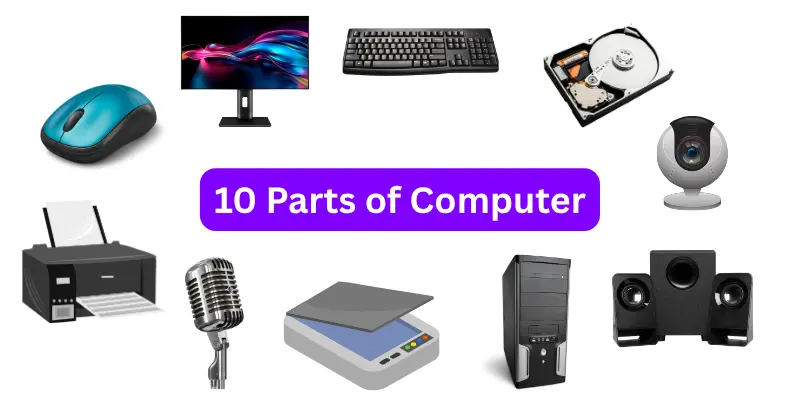
Hare are some basic parts of computer
- Monitor
- Keyboard
- Mouse
- CPU (Central Processing Unit)
- Hard Drive
- Speakers
- Printer
- Webcam
- Microphone
- Scanner
- UPS (Uninterruptible Power Supply)
Every basic part of a computer has a special job that helps the computer work well. Here are explain functions of computer parts:
Monitor
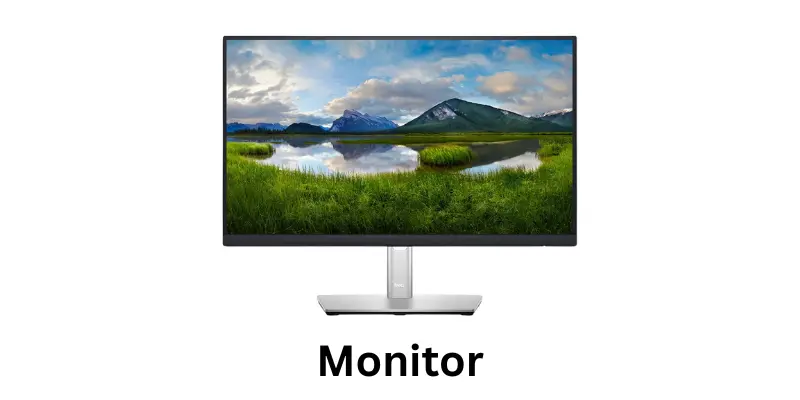
The monitor is the part that displays what’s happening on the computer screen. It displays everything on this like video, Songs, New, etc. For example, when you play a game on the computer, the monitor shows the game pictures and actions on the screen.
There are many types of monitor available in the market with high resolution and features.
Keyboard
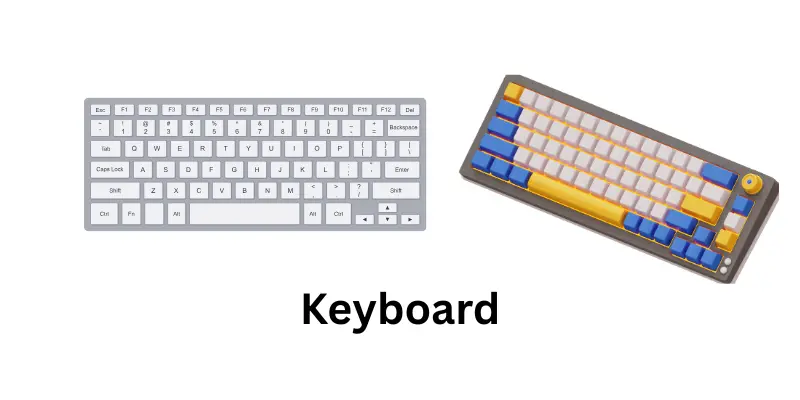
There are many types of keyboard available in the market. Many buttons on the keyboards are called keyboard keys. The keyboard uses it to type letters, numbers, and symbols on the computer. It helps us write and give commands.
Mouse
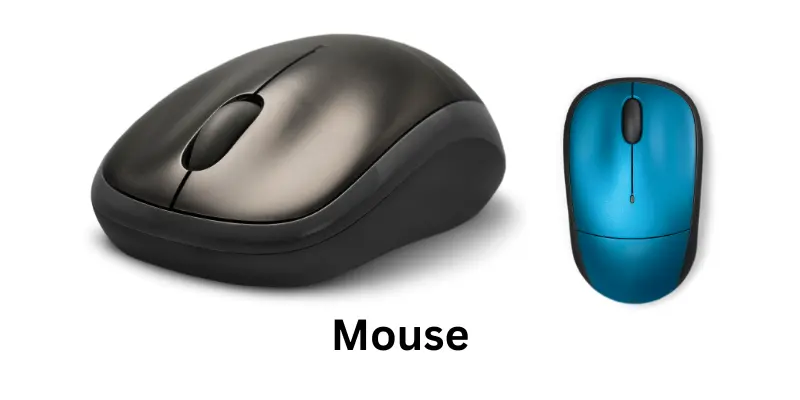
You move the pointer on the computer screen with the help of a mouse. The mouse is used to open a file or move files with it. When you want to open a game, you move the mouse and double-click the game icon to start it. There are many types of mouse available in the market.
Central Processing Unit (CPU)
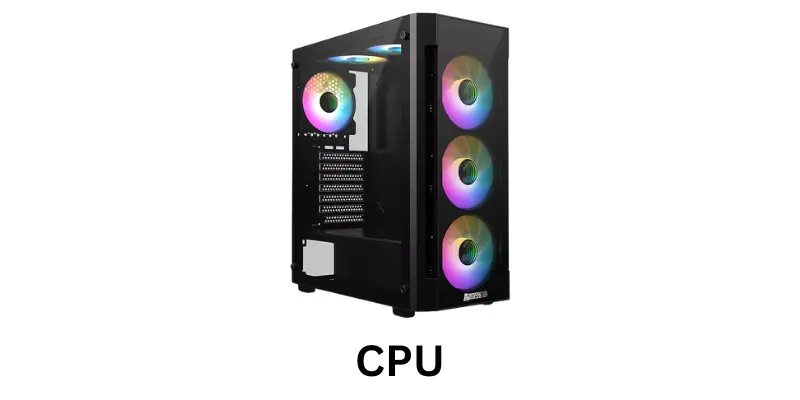
The CPU is the main part of a computer that works like its brain. It is the unit that controls all the parts and helps them work together. There are commands that the CPU reads and then performs to make the computer function. Without the CPU, the computer cannot run or complete any task.
Hard Drive
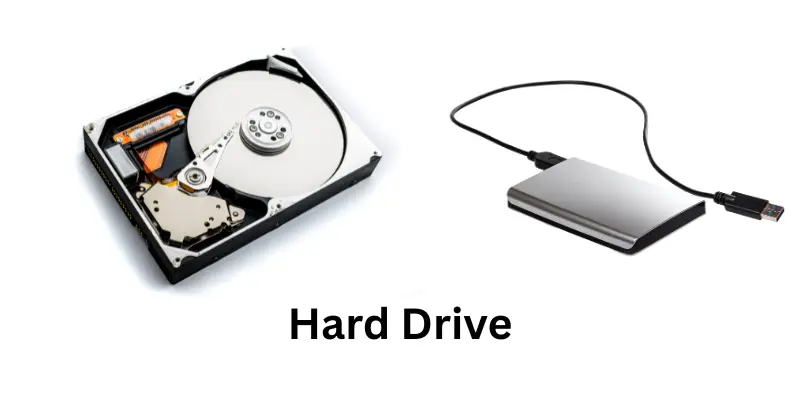
A hard drive is where all your files, photos, videos, and games are saved. It keeps your data safe even when the computer is turned off. For example when you save a photo or a video, it gets stored in the hard drive so you can see it later.
Speakers
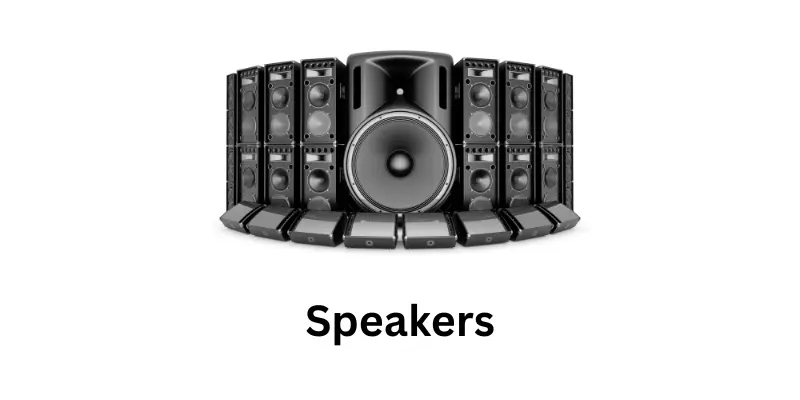
Speakers are the parts of a computer that produce sound. They are used to listen to music, videos, and system alerts. It is the output device that changes digital signals into real sound waves. Without speakers, a computer cannot play sound clearly for the user.
There are many types of speakers available in the market with high resolution and features.
Printer
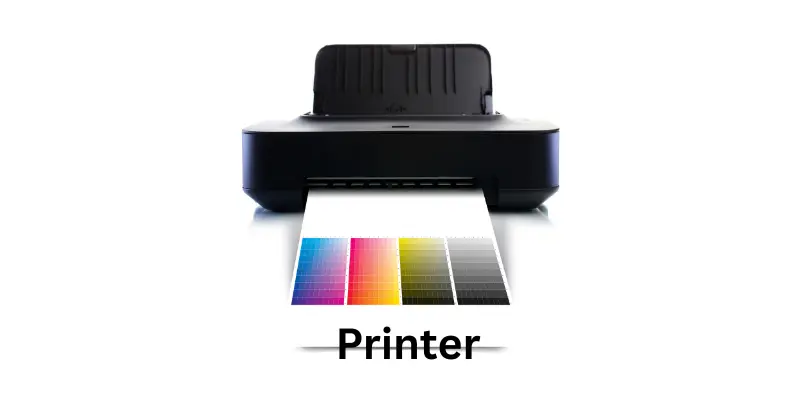
A printer is an important output device that helps change digital information into printed form. It takes what is seen on a computer screen and makes a real copy on paper. It is useful for printing documents, pictures, and other files that need to be shared or saved.
There are many types of printers that work with computers to make daily tasks easier and faster.
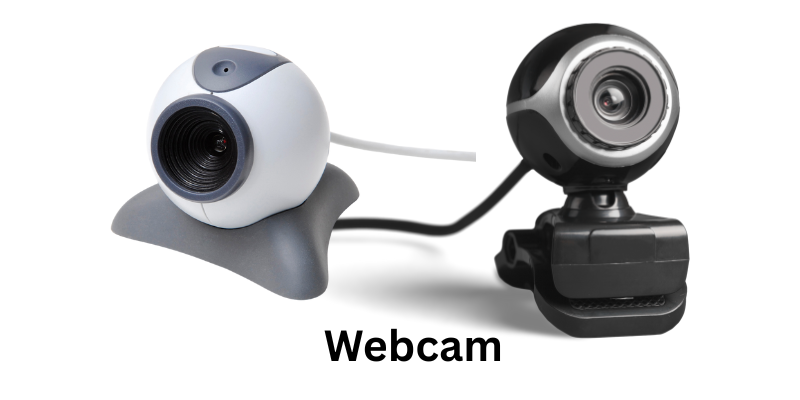
Webcam
A webcam is a small digital camera that connects to a computer. It is used to take pictures and record videos in real time. There are many people who use webcams to talk with friends and family through video calls. It helps them share moments, attend meetings, and connect face to face through the screen.
Microphone
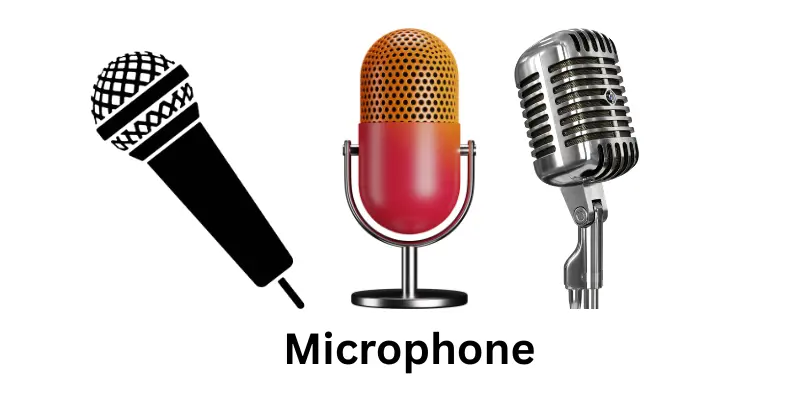
A microphone is a device that lets users speak to the computer. It is used to record voice and save it as digital audio. There are many uses for microphones during video calls and online meetings. They are also helpful in applications that respond to voice commands and sound input.
Scanner
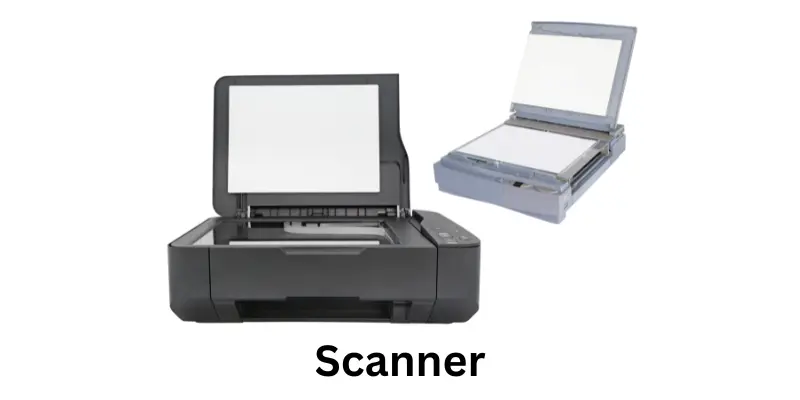
A scanner is a device that helps copy pictures and documents into the computer. It is used to change paper pages into digital files that can be stored and edited. There are many uses of scanners for saving important documents and photographs.
They are also helpful in sending files online or printing copies from the computer. There are many types of scanners available in the market
UPS (Uninterruptible Power Supply)
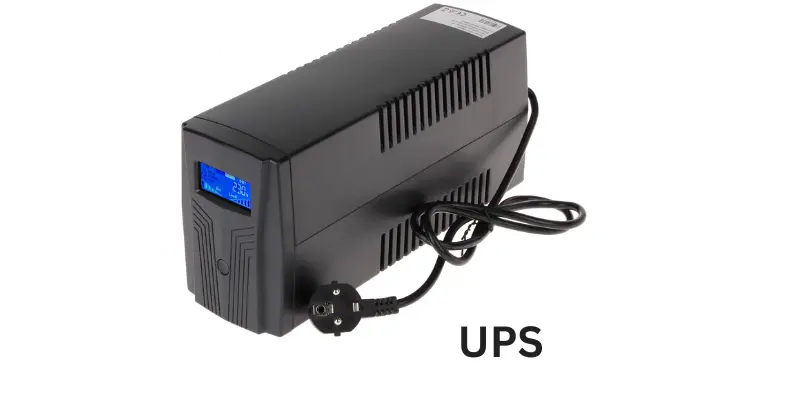
A UPS is a device that gives power to the computer when electricity goes off. It is used to keep the computer running for a short time. There are many benefits of a UPS for saving work during sudden power failure. They are also helpful in protecting the system from damage caused by electricity cuts.
FAQs about Parts of a Computer
These questions and answers will help you learn how to use different basic parts of the computer easily. Here are some questions and answers given below.
You just look at the monitor screen to see what the computer is doing. It shows all the pictures and words.
Press the keys on the keyboard to write letters, numbers, or commands on the computer.
Move the mouse on a flat surface to move the pointer on the screen. Click the buttons to open or select things.
The brain of the computer is CPU. It helps the computer to complete all tasks.
Turn on the speakers and play music or videos. The speakers will make the sound loud.
Connect the printer to the computer, then click print on your document. The printer will put the document on paper.
Open a video calling app, make sure the webcam is working, and start the call to see and talk to others.
A microphone helps you talk to the computer or friends during calls. It records your voice.
Place the paper on the scanner glass, press the scan button, and the scanner will copy the paper to the computer.
Use a UPS. It gives power to the computer for a short time to save your work when the electricity goes off.
Conclusion
A computer has many parts, and each part has a special job. The monitor shows us what we do, the keyboard and mouse help us give commands, and the CPU is the brain that controls everything. Other parts like speakers, printer, webcam, microphone, scanner, and UPS make the computer more useful and easy to use.
When we understand how these parts work, we can use the computer better and solve problems faster. Knowing the parts of a computer is the first step to becoming a good computer user.





