20 Examples of System Software
Published: 30 Sep 2025
Every computer and mobile device depends on system software to work. It controls memory, files, devices, and security. Without it, the system will not even start. To make this clear, here are 20 examples of system software that show how important it is in daily life.
What is System Software?
System software is a type of computer software. It connects hardware with applications. It manages memory, files, devices, and security. It also gives users a simple way to interact with the computer.
There are four main types of system software.
- Operating system software
- Device driver software
- Utility software
- Firmware
Each type plays a special role. Together, they keep the system stable and ready to use.
20 Examples of System Software and Their Uses
Every computer and mobile device depends on system software to work. It controls memory, files, devices, and security. Without it, the system will not even start. To make this clear, here are 20 examples of system software that show how important it is in daily life.
`1. Windows Operating System
Windows operating system is one of the most common system software used in desktops and laptops. It manages files, applications, and hardware.
Uses of Windows Operating System
- It manages memory and storage.
- It controls devices like printers and cameras.
- It provides updates and security features.
- It supports file management and folders.
- It helps in process management.
- It gives a simple user interface.
2. Linux Operating System
Linux operating system is an open source system software. It is used for servers, cloud computing, and programming.
Uses of Linux Operating System
- It manages system resources.
- It provides security in networking.
- It supports database management.
- It is used for developers and IT professionals.
- It helps in system monitoring.
- It runs enterprise systems.
3. macOS System Software
macOS is the system software for Apple computers. It has strong stability and performance features.
Uses of macOS System Software
- It manages applications and files.
- It provides system security.
- It runs multimedia tools.
- It updates system drivers.
- It supports memory management.
- It gives a clean user interface.
4. Unix System Software
Unix is one of the oldest operating systems in computing. It is still used in research and servers.
Uses of Unix System Software
- It supports system processes.
- It helps in system administration.
- It provides scalability and reliability.
- It manages users and permissions.
- It is used in IT infrastructure.
- It supports system automation.
5. Android System Software
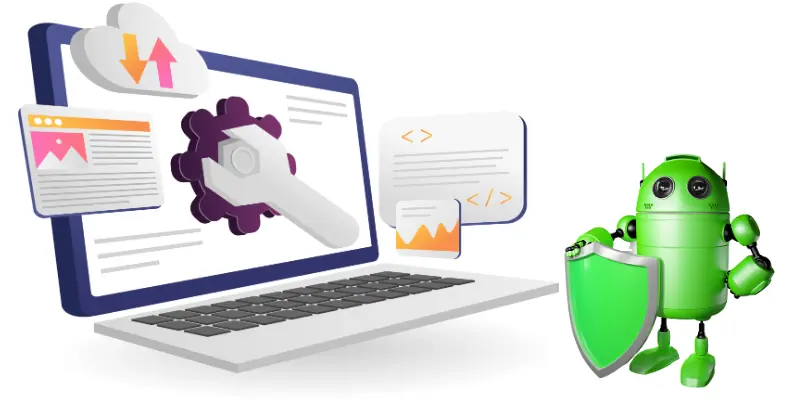
Android system software is designed for mobile devices. It runs apps, games, and phone functions.
Uses of Android System Software
It controls mobile hardware.
It manages system updates.
It provides file management.
It supports system security.
It connects with cloud computing.
It helps in memory management.
6. iOS System Software
iOS is the system software for iPhones and iPads. It is fast, secure, and smooth.
Uses of iOS System Software
- It runs applications on mobile devices.
- It manages device performance.
- It controls system settings.
- It provides strong security features.
- It manages file sharing.
- It supports system backup.
7. Real Time Operating System
Real time operating systems are used in machines that need quick response like airplanes and medical tools.
Uses of Real Time Operating System
- It controls system tasks.
- It ensures timely response.
- It manages memory for processes.
- It supports hardware interaction.
- It improves system reliability.
- It is used in embedded systems.
8. Embedded Operating System
Embedded operating system is found in small devices like washing machines and smart TVs.
Uses of Embedded Operating System
- It runs device functions.
- It manages memory in small systems.
- It controls sensors.
- It supports hardware devices.
- It improves efficiency.
- It provides system stability.
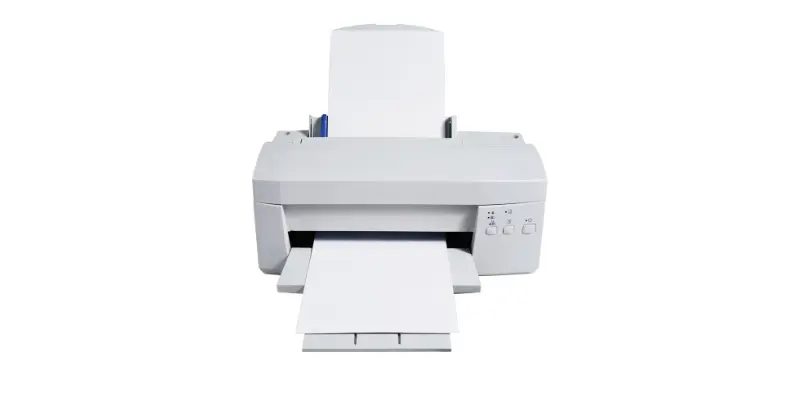
9. Printer Drivers
Printer drivers are system software that connect printers with computers.
Uses of Printer Drivers
It translates computer data for printing.
It manages printing speed.
It supports multiple file types.
It connects hardware and software.
It helps in troubleshooting printers.
It improves printing quality.
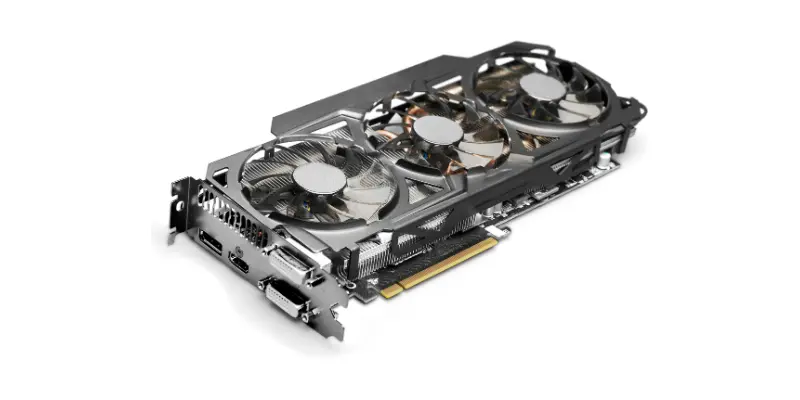
10. Graphics Card Drivers
Graphics drivers control images and visuals on a computer screen.
Uses of Graphics Card Drivers
It manages video rendering.
It supports gaming performance.
It provides high quality display.
It updates system performance.
It connects hardware with the system.
It helps in video editing.
11. Sound Drivers
Sound drivers connect audio hardware with applications.

Uses of Sound Drivers
- It manages speakers and headphones.
- It supports video calls.
- It helps play games with sound.
- It manages music software.
- It controls volume settings.
- It improves audio quality.
12. Antivirus Software
Antivirus is a utility system software that protects computers from threats.
Uses of Antivirus Software
It scans files for viruses.
It removes malware.
It updates system security.
It protects against online threats.
It improves system performance.
It runs in the background.
13. File Compression Tools
Compression tools like WinRAR and 7 Zip reduce file size.
Uses of File Compression Tools
- It saves storage space.
- It makes file transfer easy.
- It supports multiple formats.
- It helps in backup.
- It manages large files.
- It improves sharing speed.
14. Disk Cleanup Tools
Disk cleanup tools remove junk files from the system.

Uses of Disk Cleanup Tools
- It clears temporary files.
- It improves speed.
- It manages disk space.
- It reduces errors.
- It helps in performance optimization.
- It supports system maintenance.
15. Backup Software
Backup software makes a copy of important data.
Uses of Backup Software
- It saves files from loss.
- It restores system data.
- It supports cloud storage.
- It helps in recovery.
- It improves data security.
- It manages storage space.
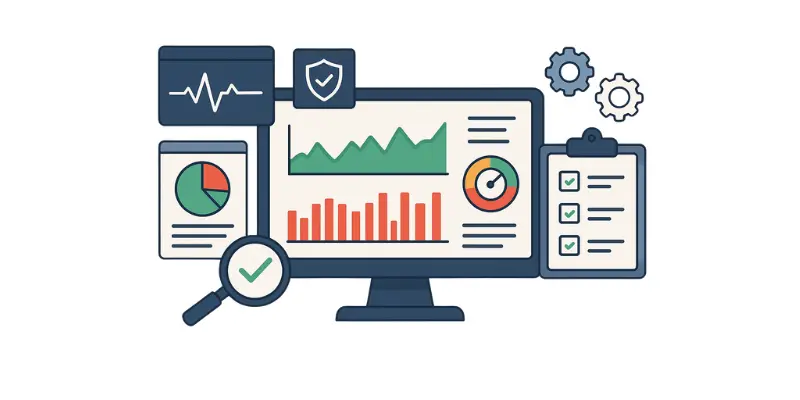
16. System Monitoring Tools
System monitoring software checks system performance.
Uses of System Monitoring Tools
- It tracks memory usage.
- It checks CPU load.
- It shows disk usage.
- It reports errors.
- It helps in optimization.
- It supports IT management.
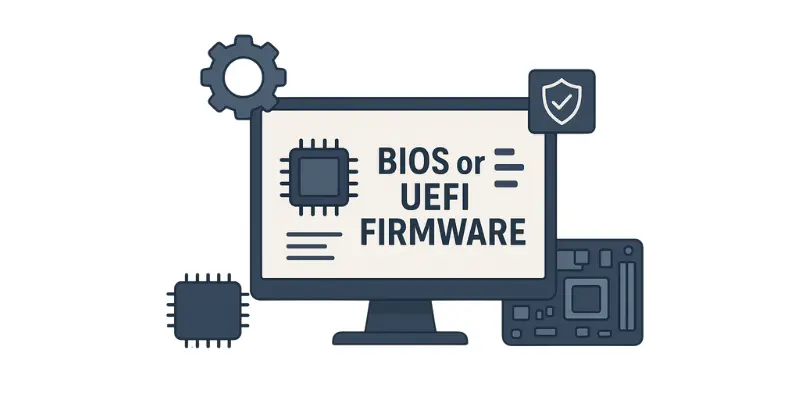
17. BIOS or UEFI Firmware
BIOS or UEFI firmware starts the system before the operating system loads.
Uses of BIOS or UEFI Firmware
- It checks hardware parts.
- It runs system tests.
- It controls boot process.
- It manages low level settings.
- It supports device drivers.
- It ensures compatibility.
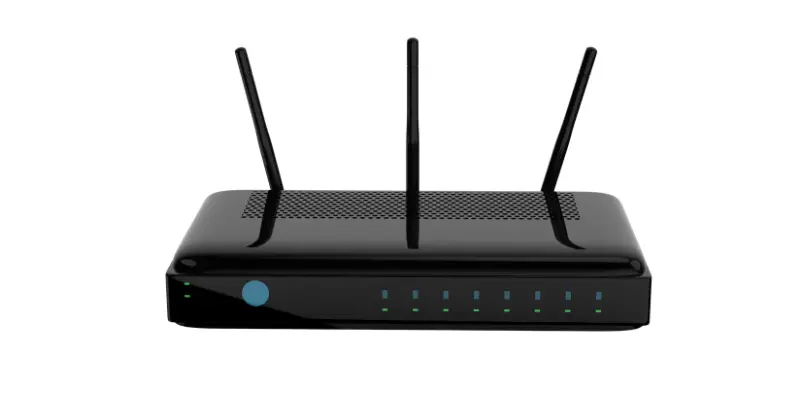
18. Router Firmware
Router firmware runs network devices and Wi Fi connections.
Uses of Router Firmware
- It manages internet access.
- It provides security for networks.
- It supports system updates.
- It controls router settings.
- It improves performance.
- It ensures stability.
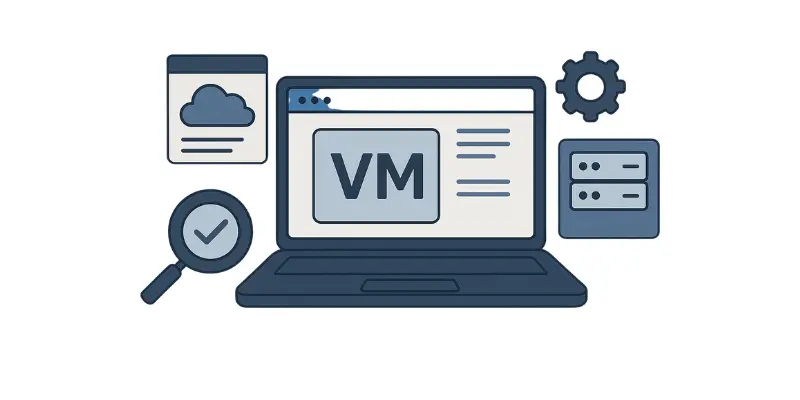
19. Virtual Machine Software
Virtual machine software like VMware or VirtualBox allows many systems on one computer.
Uses of Virtual Machine Software
- It runs more than one operating system.
- It helps developers test programs.
- It supports IT infrastructure.
- It improves system flexibility.
- It manages resources.
- It provides scalability.
20. Cloud System Software
Cloud system software manages online servers and services.
Uses of Cloud System Software
- It supports enterprise systems.
- It manages databases.
- It improves scalability.
- It provides system security.
- It connects users with servers.
- It helps in system integration.
Advantages and Disadvantages of 20 Examples of System Software
System software is the foundation of every computer and mobile device. It manages programs, controls hardware, and makes sure everything works smoothly. Like any tool, it comes with benefits and challenges. Here are the advantages and disadvantages of 20 examples of a system software explained in details.
| Advantages of System Software |
|---|
|
| Disadvantages of System Software |
|---|
|
Common FAQs about 20 Examples of System Software
Many people still have questions about how it works and why it is important. Here are common FAQs about 20 examples of a system software explained in details.
It is important because it controls file management memory management and device management so the computer or mobile can work properly.
There are many examples like Windows Linux macOS Android iOS BIOS utility programs and firmware.
It allows many tasks to run at the same time by managing resources like memory and processor without errors.
No it cannot work because it needs hardware control to function and to connect with other applications.
They are important because updates improve system security fix errors and add new features for better performance.
System software controls the device and its functions while application software helps users perform tasks like writing or browsing.
Yes it does because it protects the device from harmful files viruses and other risks.
Sometimes they cannot because new system software needs more storage more power and advanced hardware control.
It improves speed by managing memory programs and multitasking support so the device works faster and smoother.
System software is a type of software that helps run the computer hardware and provides a platform for running application software. Here are 10 examples of system software:
- Windows OS
- macOS
- Linux
- Unix
- MS-DOS
- Android OS
- iOS
- Device Drivers
- Utility Software
- Firmware
Conclusion
System software plays an important role in every computer and smart device. It manages hardware, controls files, and helps users run programs without problems. The 20 examples of system software show how wide and useful these tools are. From operating systems to utility programs, they all make technology easy to use. It is clear that system software is not just hidden code but the real power that keeps devices fast, safe, and reliable.