Types of Application Software in Computer
Published: 11 Nov 2025
It is amazing to know that there are thousands of types of application software used around the world every single day. From the tools that help us type documents to the apps that let us play games or chat with friends all of these are different forms of software. When people first started using computers, there was only simple code, but now, this has turned into smart apps that make work and fun easy.
If you have ever wondered how these programs work or where they are used, then this guide will help you learn about them step by step.
Types of Application Software Used in Computer
There are many types of application software that people use for learning, work, and entertainment. Here are 24 types of application software and how each application software type is used, and when it becomes helpful in real life.
1. Database Software
Database software helps users store and manage large amounts of information. It keeps data safe, clean, and easy to find. When someone needs to search for records quickly, this tool saves time. Microsoft Access, Oracle, and MySQL are examples. It helps schools, hospitals, and businesses organize data neatly.
2. Project Management Software
This software helps teams plan and track their projects. It shows who will do what and when tasks must be finished. Tools like Trello and Asana help them stay focused and on time. There are charts and boards where users can see progress clearly. It keeps everyone connected and working together.
3. Spreadsheet Software
Spreadsheet software is where numbers and data live. It helps users make lists, calculate sums, and draw charts. When a business wants to track money, this tool works best. Microsoft Excel and Google Sheets are popular examples. It makes working with numbers easy for students and offices alike.
4. Graphics Software
Graphics software is used to design and draw creative images. It helps artists and designers bring their imagination to life. Programs like Adobe Photoshop and CorelDRAW are examples. This software is where creativity meets technology. It is used in schools, studios, and advertising to make things look beautiful.
5. Multimedia Software
Multimedia software helps mix sound, pictures, and video together. It is used when people want to make or play music, films, or slideshows. VLC Media Player and Windows Media Player are examples. There are many ways it helps users learn and enjoy content. It keeps entertainment simple and fun.
6. Web Browsers
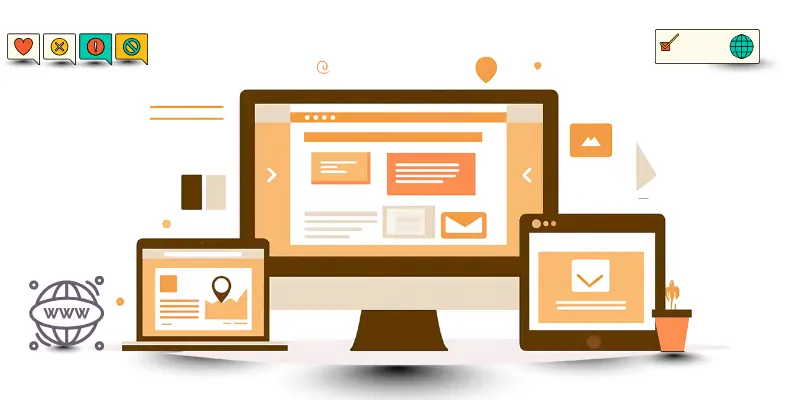
Web browsers help people explore the internet. It is where users can search, watch, and learn. Google Chrome, Firefox, and Safari are popular browsers. There is always something new to find here. When people want to connect with information, browsers make it fast and easy.
7. Word Processors
This software helps people write and edit text. It was made to make writing clear and neat. Microsoft Word and Google Docs are good examples. When students need to type essays, they use it. It helps them check spelling, add pictures, and print easily.
8. Customer Relationship Management Software
CRM software helps companies care for their customers. It keeps track of names, calls, and emails. There are tools that help them remember each client’s needs. Salesforce and HubSpot are examples. It builds stronger bonds where customers feel valued and supported.
9. ERP Application Software
ERP stands for Enterprise Resource Planning. This software connects different company departments in one place. It was created to save time and improve teamwork. When workers use ERP tools like SAP or Oracle, their job becomes easier. It helps them manage money, staff, and production together.
10. Presentation Software
Presentation software helps users create slides to share ideas. It is where words and pictures come together for learning and meetings. Microsoft PowerPoint and Google Slides are examples. When students want to explain topics, they use it. This makes presenting simple and colorful.
11. Educational Software

Educational software helps students learn through fun lessons and quizzes. It is used where learning needs to be exciting. Tools like Google Classroom, Duolingo, and Khan Academy teach in smart ways. When children study, it helps them remember better. This software makes studying enjoyable.
12. Freeware
Freeware software is free to download and use. It was made for everyone to enjoy without paying. VLC Media Player and Adobe Reader are examples. There are many freeware apps that help users work or play. It gives them good features safely at no cost.
13. Shareware
Shareware lets users try a program before they buy it. When the trial ends, they can decide if they want the full version. WinRAR and Photoshop trials are examples. It gives them time to test features. If they like it, then they can buy it for full use.
14. Simulation Software
Simulation software creates real-life situations on a computer. It is used where learning or training needs safety. For example, pilots use flight simulators before flying real planes. It helps them practice safely and gain confidence. This software makes learning by doing possible.
15. Communication Software
Communication software is what keeps people in touch. It helps them chat, call, or send messages anytime. Gmail, WhatsApp, and Zoom are common examples. When families or teams are far apart, it connects them easily. This software is where fast communication begins.
16. Business Process Management Software
This software helps companies plan, check, and improve their work steps. It is where managers can see how jobs are done. Tools like Kissflow and Nintex help them fix problems faster. When teams use it, their work becomes smoother. This software saves time and reduces errors.
17. Closed Source Software
Closed source software keeps its code private. It was built and owned by companies that sell it. Users can use these programs but cannot change them. Microsoft Office and Adobe Illustrator are examples. It offers those users strong features and support where safety matters.
18. Productivity Software

Productivity software helps people get work done faster. It includes word processors, spreadsheets, and presentations. Microsoft Office and Google Workspace are top examples. It helps them manage time and finish tasks quickly. When it is used right, work feels easy and smart.
19. Collaboration Software
Collaboration software helps teams work together online. It is where chatting, meetings, and sharing files happen. Slack, Microsoft Teams, and Zoom make teamwork simple. It helps them stay connected even when they are apart. This software makes remote work fun and active.
20. Enterprise Software
Enterprise software supports big companies that have many workers. It handles data, reports, and planning. SAP and Oracle are strong examples. When used right, it helps them grow fast. It will always be needed where business data must stay safe and organized.
21. Resource Management Software
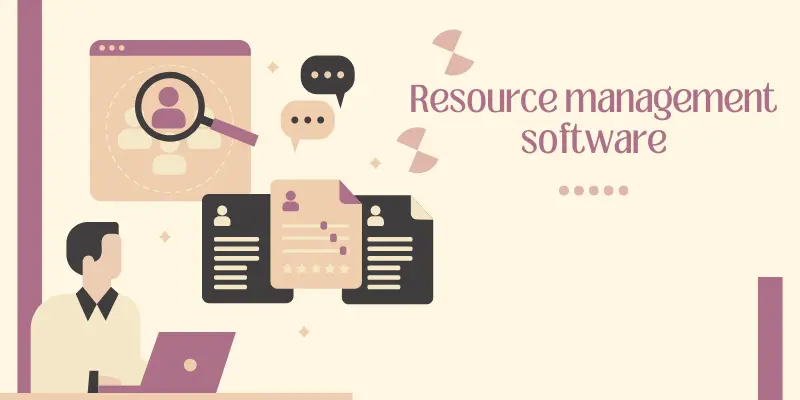
This software helps manage materials, time, and people. It was made for companies that handle large projects. Tools like Smartsheet and Resource Guru guide them to use resources wisely. When it works well, there are fewer delays. It saves money and helps teams plan better.
22. Custom Applications
Custom applications are made for special needs. It is where a company or person asks developers to design a unique app. When schools need apps for students, this helps. It gives them control and fits their style. Custom software shall always make work easier.
23. Commercial Software
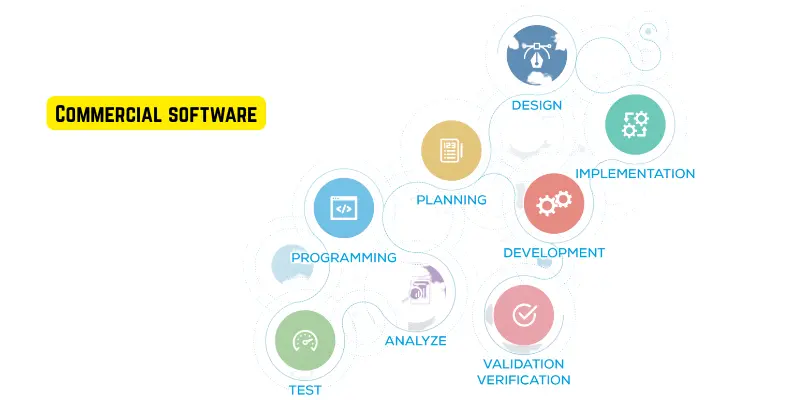
Commercial software is created to sell for profit. It is where people pay and get full access. Microsoft Office, Photoshop, and antivirus programs are examples. When users buy these, they get updates and support. It helps them enjoy quality and reliability.
24. General Application Software
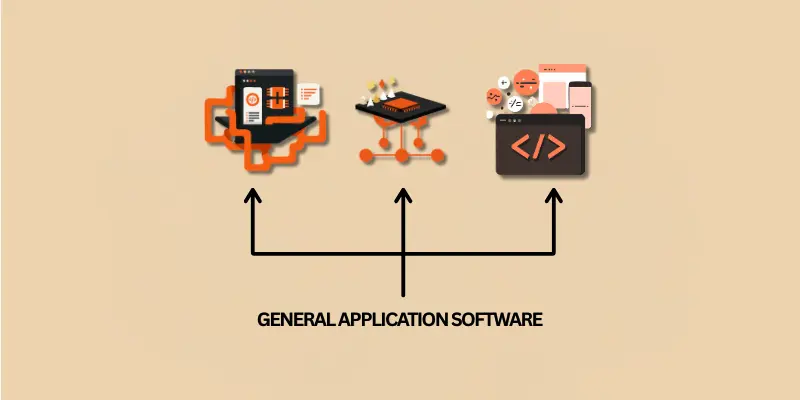
This software covers everyday use like writing, browsing, or watching videos. It includes Chrome, Spotify, and Word. There are millions who use them daily. When someone wants to study, play, or shop, it helps. This type of software will always be part of modern life.
FAQs about Types of Application Software
It can be confusing to know which software does what, but this section will help. Here, there are simple answers to common questions about different types of application software. If you want clear and quick facts, then these FAQs are just right for you.
It is easy to understand that there are many kinds of application software. The main types include productivity software, entertainment apps, educational tools, and business software. When you use your phone or computer, these are the programs that help you write, play, study, or manage work.
System software helps your computer run, while application software lets you do tasks like writing, drawing, or chatting. This means system software works in the background, while apps are what you see and use. If there was no system software, then your apps would not work at all.
There are many apps that help people be more productive. For example, Microsoft Word, Google Sheets, and Trello are popular tools. It will surprise you how these apps save time and keep work organized. When used correctly, this software can help you finish tasks faster and better.
For students, there are many apps that make learning fun and simple. This includes tools like Google Classroom, Zoom, and Canva. Here, students can study, create projects, and share ideas easily. If used daily, then these apps can help them learn faster and smarter.
There are many free and open-source programs like LibreOffice, GIMP, and Audacity. It was made for users who want quality software without paying. These apps allow anyone to change or improve them, which is where open-source power really shines.
Cloud-based software is stored online instead of your computer. It lets you use apps anywhere, as long as there is internet. This means your data stays safe and easy to reach when you log in. If your device breaks, then your work will still be there in the cloud.
Antivirus software scans your device to find and remove harmful files. It acts like a shell that protects your data from viruses or hackers. When threats appear, the program warns you and removes them safely. Then, your computer stays clean and secure.
SaaS means “Software as a Service,” and it runs online without needing to install it. There are many web apps like Gmail, Canva, or Google Docs that work the same way. If you have internet access, then you can use them anywhere. This makes work and learning super easy.
Businesses use software like CRM, accounting tools, and project management apps. It helps them manage customers, sales, and tasks. When used properly, this software keeps everything organized and saves time. Here, companies grow faster and make smarter decisions.
There are many, but Microsoft Office, Google Chrome, and Adobe Photoshop are among the most popular. It was these apps that changed how people work and connect. When users explore them, then they find how powerful and helpful those tools really are.
Conclusion
There are many types of application software, and each one helps in different ways. It is where work, learning, and fun come together. When people choose the right tool, they save time and energy. This list shows how useful software is in our world. It shall keep growing as technology moves forward.