Functions of Computer
Published: 25 Mar 2026
Computers play an important role in daily life. A computer follows a set of basic steps to complete every task. These steps are known as the functions of computer. Each function helps the machine handle data and give useful results.
What are the Functions of a Computer?
A computer is an electronic machine that performs different tasks with the help of data. It follows a set of steps to complete every task in a proper way. These steps are known as the functions of computer. Each function helps the computer take data, work on it, and give results. Here are 15 Functions of computer included.
- Input Function
- Processing Function
- Output Function
- Storage Function
- Control Function
- Communication Function
- Automation Function
- Data Management Function
- Security Function
- Multitasking Function
- Arithmetic Function
- Logical Function
- Networking Function
- Data Transfer Function
- Backup Function
1. Input Function
The input function helps a computer receive data from a user. A user enters data with input devices like a keyboard, mouse, or scanner. This function starts the working process of the computer. A computer collects the data and sends it to the CPU for processing. In this way, the system begins its task with the help of input.
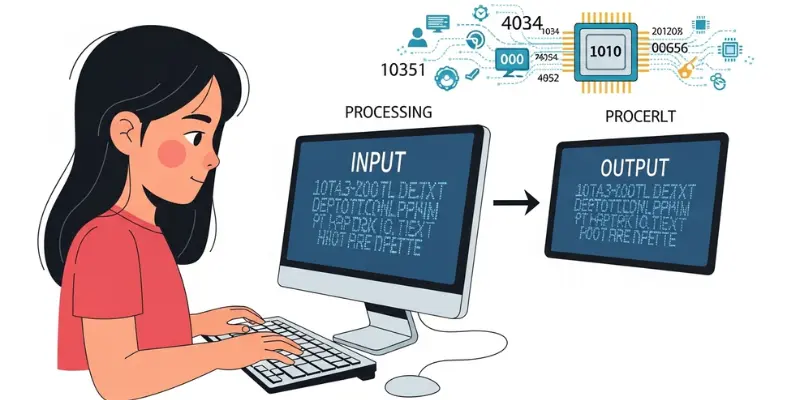
- Example: A student types text using a keyboard. The computer receives this data and prepares it for processing.
2. Processing Function
The processing function helps a computer work on the input data. The CPU handles this task and changes raw data into useful information. A computer follows instructions to process data step by step. This function performs calculations and makes decisions based on the given data. In this way, the system turns simple data into meaningful results.
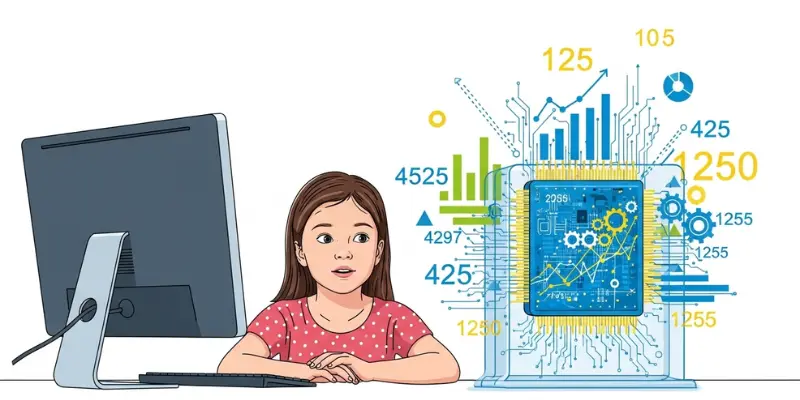
- Example: A user enters numbers in a calculator. The computer processes the data and shows the correct answer.
3. Output Function
The output function helps a computer show the result of processed data. A computer presents information in a clear form with output devices like a monitor, printer, or speakers. This function gives the final result to the user after processing. In this way, the system completes its task by displaying useful information.

- Example: A user types text on a computer. The system processes the data and shows the result on the screen.
4. Storage Function
The storage function helps a computer save data for future use. A computer stores data in memory devices like a hard drive or USB. This function keeps information safe so a user can use it again later. In this way, the system keeps records and allows easy access to saved data.

- Example: A user saves a document on a computer. The system stores the file and allows the user to open it later.
5. Control Function
The control function helps a computer manage all operations. The Control Unit (CU) handles this task and gives instructions to each part of the system. A computer follows these instructions to perform input, processing, and output in the correct order. In this way, the system keeps all functions working smoothly.
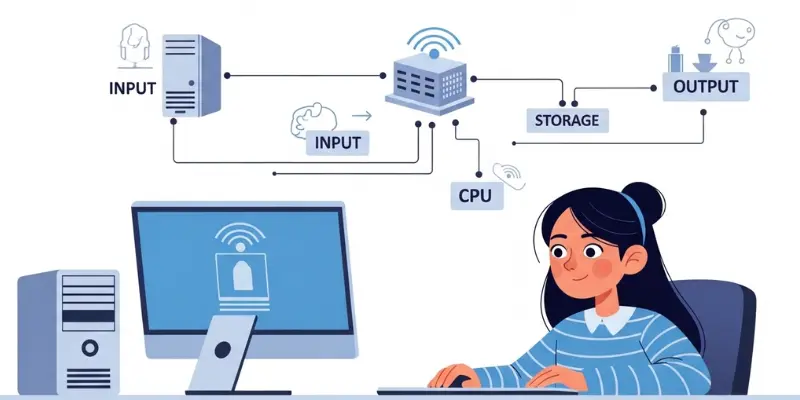
- Example: A user runs a program on a computer. The control unit directs each step and ensures the program runs correctly.
6. Communication Function
The communication function helps a computer share data with another device. A computer connects through networks and sends or receives information. This function allows systems to exchange data quickly and easily. In this way, users can connect and communicate with others using a computer.

- Example: A user sends an email using a computer. The system transfers the message to another device through the internet.
7. Automation Function
The automation function helps a computer perform tasks automatically. A computer follows set instructions and completes work without manual effort. This function saves time and reduces human work. In this way, the system runs tasks on its own with accuracy and speed.
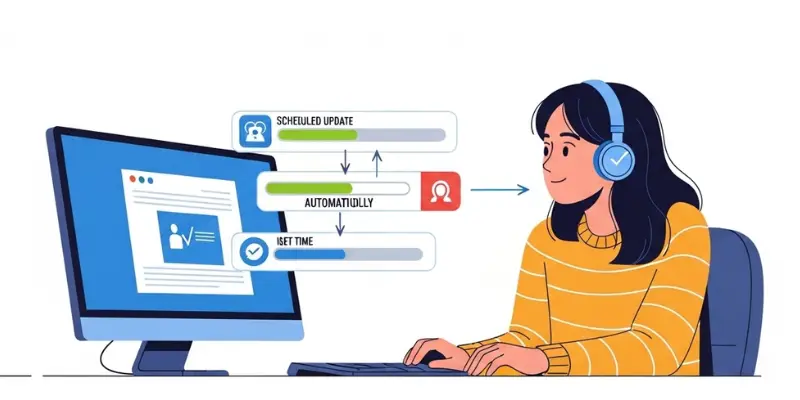
- Example: A computer runs a scheduled update at a set time. The system completes the task without user action.
8. Data Management Function
The data management function helps a computer organize and handle data. A computer stores, sorts, and retrieves data in a proper way. This function makes data easy to find and use. In this way, the system keeps information arranged and ready for use.

- Example: A school system stores student records. The computer organizes the data and shows it when needed.
9. Security Function
The security function helps a computer protect data from unauthorized access. A computer uses passwords and security systems to keep information safe. This function prevents misuse and keeps data secure. In this way, the system ensures that only allowed users can access the data.

- Example: A user sets a password on a computer. The system protects files and allows access only after the correct password.
10. Multitasking Function
The multitasking function helps a computer perform multiple tasks at the same time. A computer manages different operations without slowing down. This function allows users to do many activities together efficiently. In this way, the system works faster and saves time.

- Example: A user listens to music while typing a document. The computer handles both tasks at the same time.
11. Arithmetic Function
The arithmetic function helps a computer perform basic calculations. A computer adds, subtracts, multiplies, and divides numbers quickly and accurately. This function is important for solving mathematical problems. In this way, the system provides correct results in a short time.
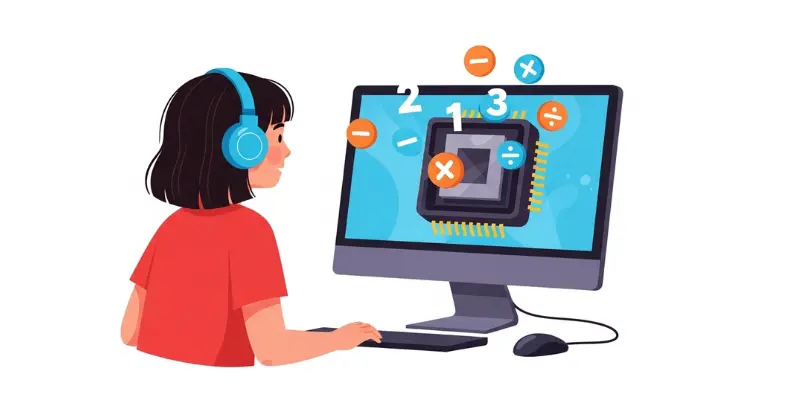
- Example: A user enters numbers in a spreadsheet. The computer calculates the total automatically.
12. Logical Function
The logical function helps a computer make decisions based on conditions. A computer compares data and produces results according to rules or logic. This function is important for problem-solving and decision-making. In this way, the system works intelligently with the given information.
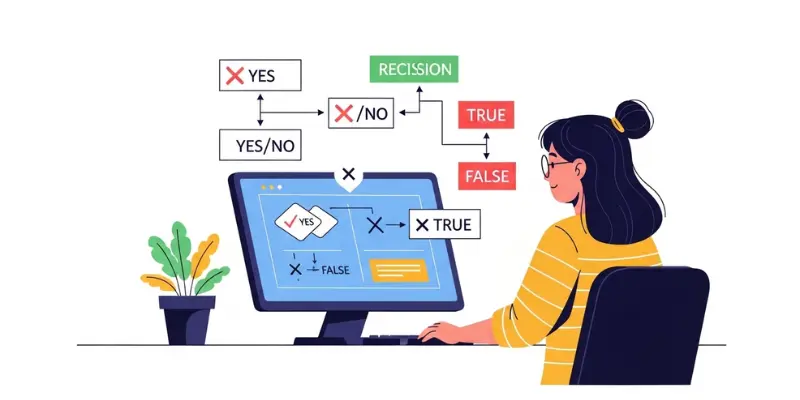
- Example: A program checks if a password entered by a user is correct. The computer allows access only if the condition is met.
13. Networking Function
The networking function helps a computer connect with other computers or devices. A computer shares resources, files, and information through networks. This function allows users to communicate and access data from different systems. In this way, the system stays connected and works efficiently.

- Example: A user accesses shared files on an office network. The computer retrieves the data from another connected device.
14. Data Transfer Function
The data transfer function helps a computer move data from one place to another. A computer sends or receives information between devices quickly and accurately. This function is important for sharing and storing data efficiently. In this way, the system ensures smooth movement of data.

- Example: A user copies files from a computer to a USB drive. The computer transfers the data safely to the new device.
15. Backup Function
The backup function helps a computer create copies of important data. A computer saves extra copies to prevent data loss in case of errors or accidents. This function keeps information safe and ensures it can be recovered when needed. In this way, the system protects valuable data from being lost.
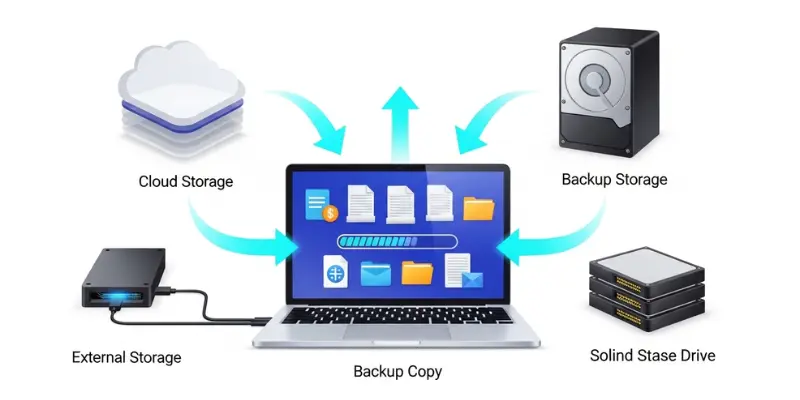
- Example: A user saves files to cloud storage. The computer keeps a backup copy that can be accessed later if the original files are lost.
Conclusion
So, friends, it’s time to finish up. In this article, we have learned about the different tasks a computer performs through its main functions like input, processing, output, and storage. These functions help computers assist us in studies, work, games, and communication. If you found this helpful, feel free to share your thoughts or questions in the comments, and keep following for more simple and useful computer guides.
FAQs on Functions of Computer
Here are some detailed questions and answers about the functions of a computer. These explanations are simple, clear, and easy to understand for beginners.
A computer starts by taking input from the user. Input devices like a keyboard, mouse, or scanner help give information to the system. Once the computer gets the data, it sends it to the CPU to begin processing.
Processing is how a computer works on the input data. The CPU calculates, sorts, and converts the data into meaningful information. Without processing, the computer cannot produce any useful results.
After processing, the output function displays the results. This can be on a monitor, printer, or through speakers. The output allows the user to see or hear the results of the computer’s work.
Storage is used to save data for future use. Computers keep files, documents, and programs in storage devices like a hard drive, SSD, or USB drive. This function ensures that data can be accessed later anytime.
The control function manages all computer operations. The Control Unit directs input, processing, and output steps in the correct order. It ensures that the computer works smoothly and nothing goes wrong.
The communication function allows computers to share data with other devices. This happens over networks or the internet. Users can send emails, chat, or access shared files on connected systems.
Automation lets a computer complete tasks automatically. It follows instructions or programs without needing manual work. Examples include scheduled backups, auto updates, or running reports automatically.
Through multitasking, a computer performs more than one job at the same time. For example, a user can listen to music, browse the internet, and type a document together. This function saves time and improves efficiency.
Backup creates extra copies of data to prevent loss. If the original files are deleted or damaged, users can restore them from backups. This keeps important information safe and secure.
The logical function allows a computer to compare data and make choices based on conditions. For example, it checks if a password is correct before granting access. This helps the computer work intelligently.