Learn Minicomputer | Features | Uses and Advantages
Published: 20 Jun 2025
A mini computer is a small and smart machine that can perform many tasks at the same time. It is stronger than a home computer but not as large as the huge systems used by big companies. There are different ways in which it is used, such as in schools, offices, and factories, because it is designed to help multiple users work together easily. It has the advantage of taking up little space and not being too costly, which gives small groups or teams the perfect solution for their computing needs.
If you want to learn about computers, there are many topics in EC Science. It is a place where you shall find details about types of computers, parts, software, hardware, monitors and other related information.
What is a Minicomputer
A mini computer is a medium-sized computer that works faster than a personal computer and can handle many tasks at once. It is not as big as a mainframe but is still strong enough to help many users at the same time. People use it in small businesses, schools, and labs to store data, run programs, and share work. It is a smart choice when more power is needed than a normal computer can provide.
History of Minicomputers
Minicomputers started in the 1960s when people needed a smaller and cheaper computer than the huge machines used by big companies. It was the PDP-8, made by DEC (Digital Equipment Corporation) in 1965, that became the first famous mini-computer. It is small enough to fit on a desk and didn’t cost too much. Before this, only rich companies and governments could have computers.
As time passed, more companies began making mini computers. They are machines that helped schools, hospitals, and small businesses use computers for the first time. In the 1970s and 1980s, mini-computers became very popular because they are easy to use, save space, and can do many tasks at once.
Later, when personal computers became cheaper and more powerful, the use of minicomputers started to go down. Still, they have played a big role in the history of computers. Mini-computers shall give an idea of how technology expanded to many people and places. Here, those machines showed the theme of making computer power available to more users, and other computers would later build on their success.
Features of Minicomputer
A minicomputer has many helpful features that make it different from other computers. It is not too big, so it can fit in small spaces. It can also be used by many people at the same time, which makes it great for groups or teams. Mini computers can store a lot of information and share it easily.
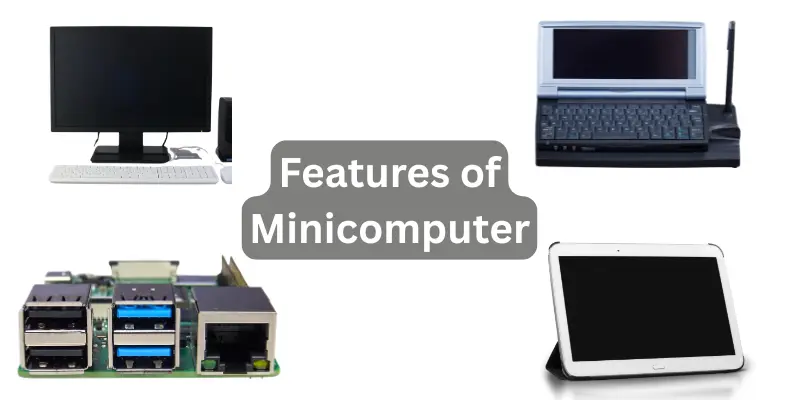
They are also cheaper than large computers, so small businesses and schools can afford them. These features help mini computers do many tasks quickly and smoothly.
Main Features of Minicomputer:
- Medium size, easy to place on a table or small area
- Can be used by many users at the same time (multi-user system)
- Stores and shares a large amount of data
- Costs less than mainframe computers
- Connects easily with other devices
- Can run many programs at once (multi-tasking)
Uses of Minicomputers
Minicomputers are used in many places where people need to work fast and share tasks with others. They are helpful in small businesses, schools, and factories. These computers can be used by many people at the same time, which makes them great for teamwork.
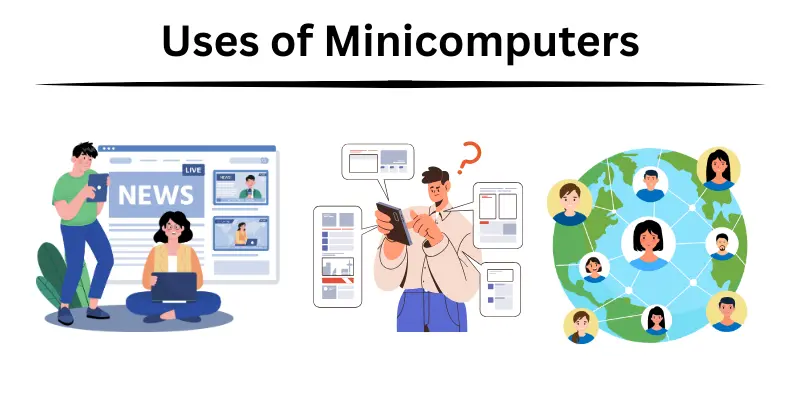
They are also used to save and manage important data, control machines, and run special programs for different jobs. Because they are not too big or expensive, many groups choose mini computers to do smart work without spending too much money.
Uses of Minicomputers:
- In schools for computer labs and teaching
- In hospitals to keep patient records
- In offices to manage files and share data
- In factories to control machines and systems
- In banks for handling account details
- In research centers for running tests and programs
Examples of Minicomputers
Mini computers were very useful and many companies made famous models over the years. These computers were smaller than mainframe machines but could still do a lot of work. They were often used in schools, factories, hospitals, and small offices.
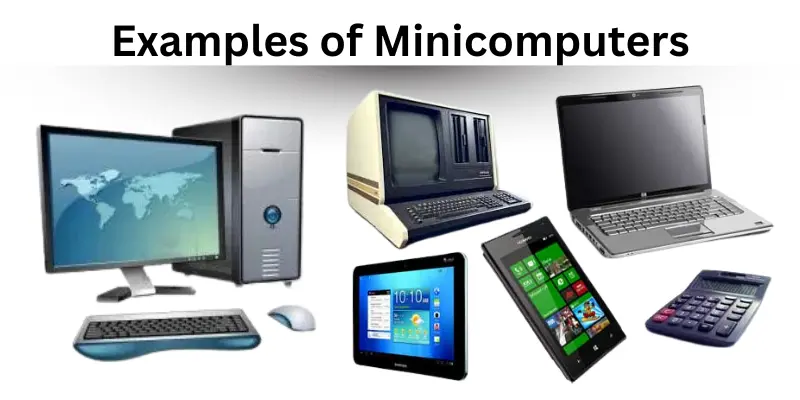
Some mini computers became very popular because they were fast, strong, and helped many users at the same time. Each model had its own special job, but all were made to save space and money while still doing big tasks.
Examples of Mini computers:
- PDP-8: Made by DEC, it was one of the first successful mini-computers and used in schools and labs.
- VAX 11/780: A powerful machine by DEC that was used in businesses and universities.
- IBM System/3: Created by IBM, this minicomputer helped in banking and data processing.
- HP 3000: Built by Hewlett-Packard, it was great for business tasks and could support many users.
- DEC MicroVAX: A smaller version of VAX, used in labs and small offices.
Advantages and Disadvantages of Minicomputers
Minicomputers are helpful in many ways, but they also have some limits. Let’s look at the good and not so good sides of using them.
| Advantages of Minicomputers |
|---|
|
| Disadvantages of Minicomputers |
|---|
|
Common FAQs About Minicomputers
Mini computers are helpful machines that many people use. Here are some easy questions and answers to help you learn more about how to use and understand them.
To turn on a minicomputer, press the power button and wait for it to start working.
Use a cable to plug the printer into the minicomputer’s port, then follow the screen instructions.
After working on a file, click “Save” and choose where to keep it, like a folder or USB drive.
Connect the minicomputer to a network or use a USB drive to send files to other computers.
Ask the system manager to create new user accounts so more people can use it.
Download the latest update from the internet or use a CD, then follow the instructions to install it.
Close unused programs and restart the computer to make it faster.
Use an Ethernet cable or Wi-Fi to connect, then enter the network password if needed.
Copy important files to an external drive or cloud storage regularly.
Click the “Shut Down” option on the screen and wait for the computer to turn off completely.
Conclusion
Minicomputers are very useful machines that help many people work together. They are not too big or expensive, but still powerful enough to do many tasks. Because of this, mini computers are perfect for small offices, schools, and businesses that need strong computers without a lot of cost or space.